
Appearance
Signing in
Both administrators and users sign in from the same page. Permissions decide which panel you land on.
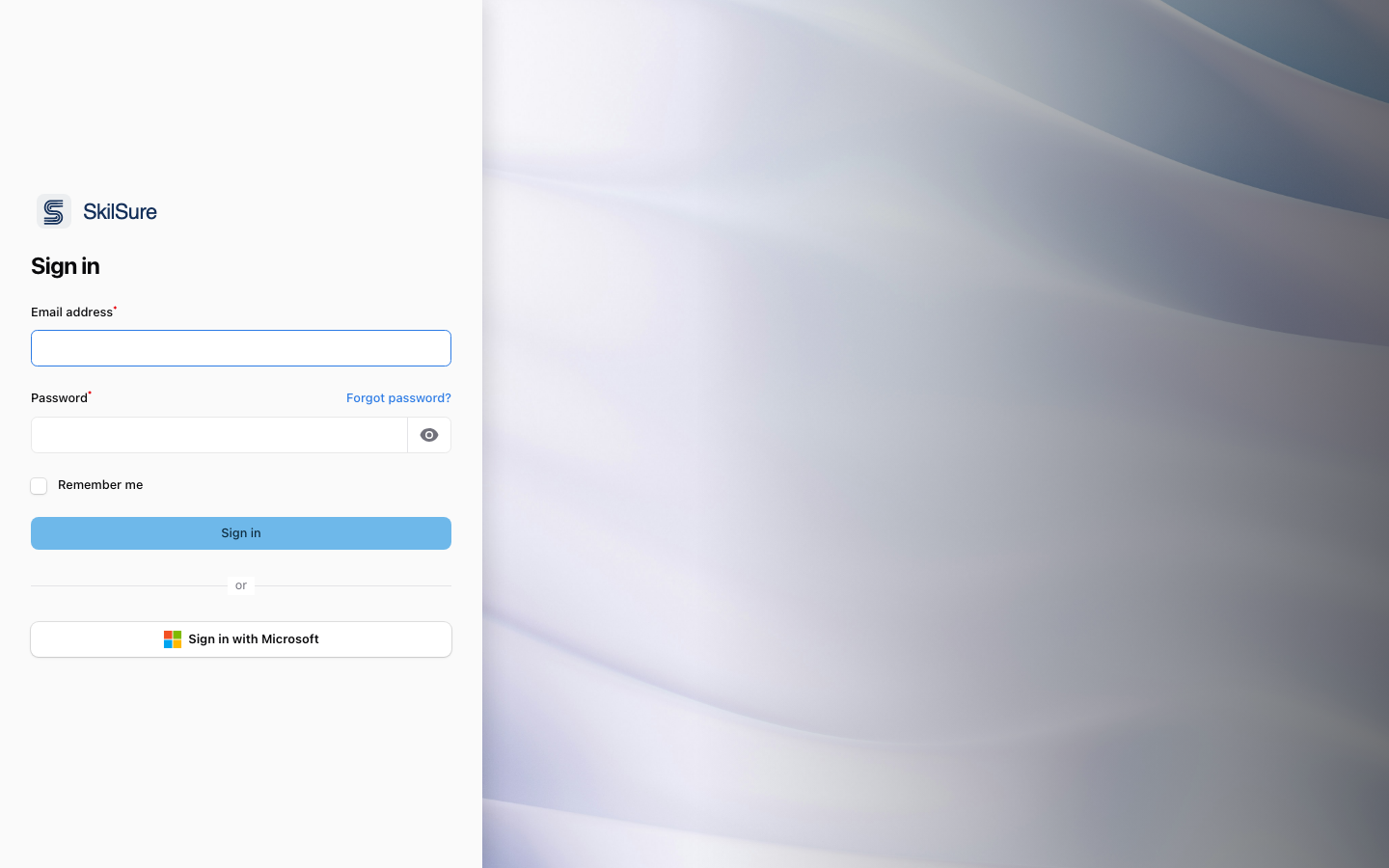 The shared sign-in screen. Local credentials and Microsoft SSO are both supported.
- Go to your tenant URL (for example,
https://your-tenant.skilsure.net/login). - Enter your email and password, or click Sign in with Microsoft.
- Administrators are taken to
/admin. Users are taken to their portal home at/p/<portal-slug>/home.
TIP
Forgot your password? Click Forgot password? on the sign-in screen to receive a reset email.
If your session expires
Sessions don't last forever, and signing in on another device can end an older one. If you follow a link — a certificate download, an emailed export, a bookmark — while signed out, you're taken to the sign-in screen rather than shown an error.
Sign in as usual and you'll be sent on to the page you originally asked for, so you don't have to hunt for the link again.
Which sign-in screen you see depends on where you were heading: an administration page sends you to the admin sign-in, and the tenant manager has its own. If you end up on a sign-in screen that doesn't look like the one you expect, check the address — it's a sign you were following a link into a different area.
If your session ends while you already have a page open, a Session expired box asks you to sign in again rather than the page failing quietly. See If you see an error message.
Signing in with a username
Some organizations sign you in with a username instead of an email address — for example, when family members share one email, or when your organization identifies people by a member number rather than by email. On those tenants:
- The sign-in screen asks for your username (not your email) together with your password.
- Your administrator sets your username and can share it with you if you don't know it.
Whether your tenant uses email or username sign-in is chosen by your administrator in Site Settings → General; as a user, you simply enter whichever field the screen shows.
Forgot your password on a username tenant?
Because more than one account can share an email address, the Forgot password? link can't always tell which account to reset. When it can't, it asks you to contact your administrator, who can set a new password for you.